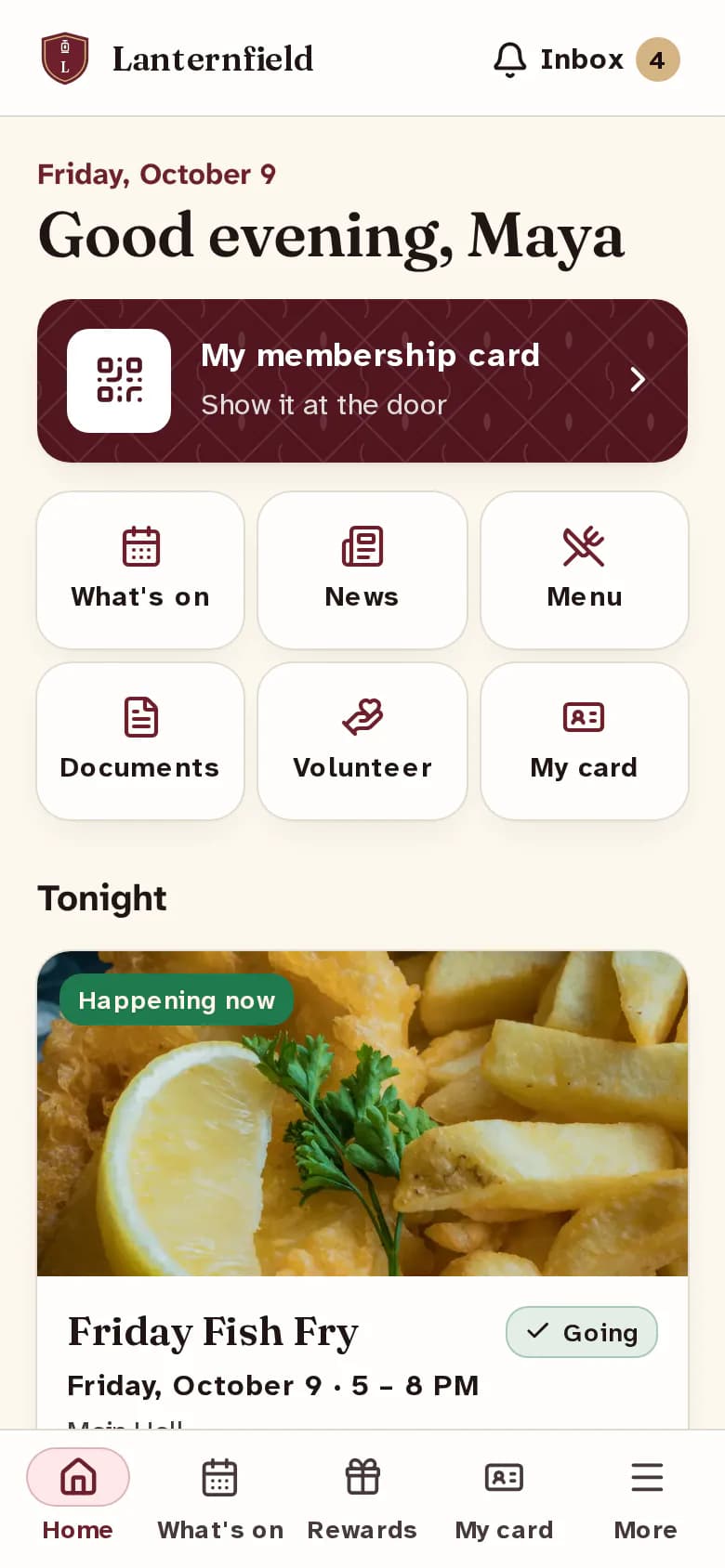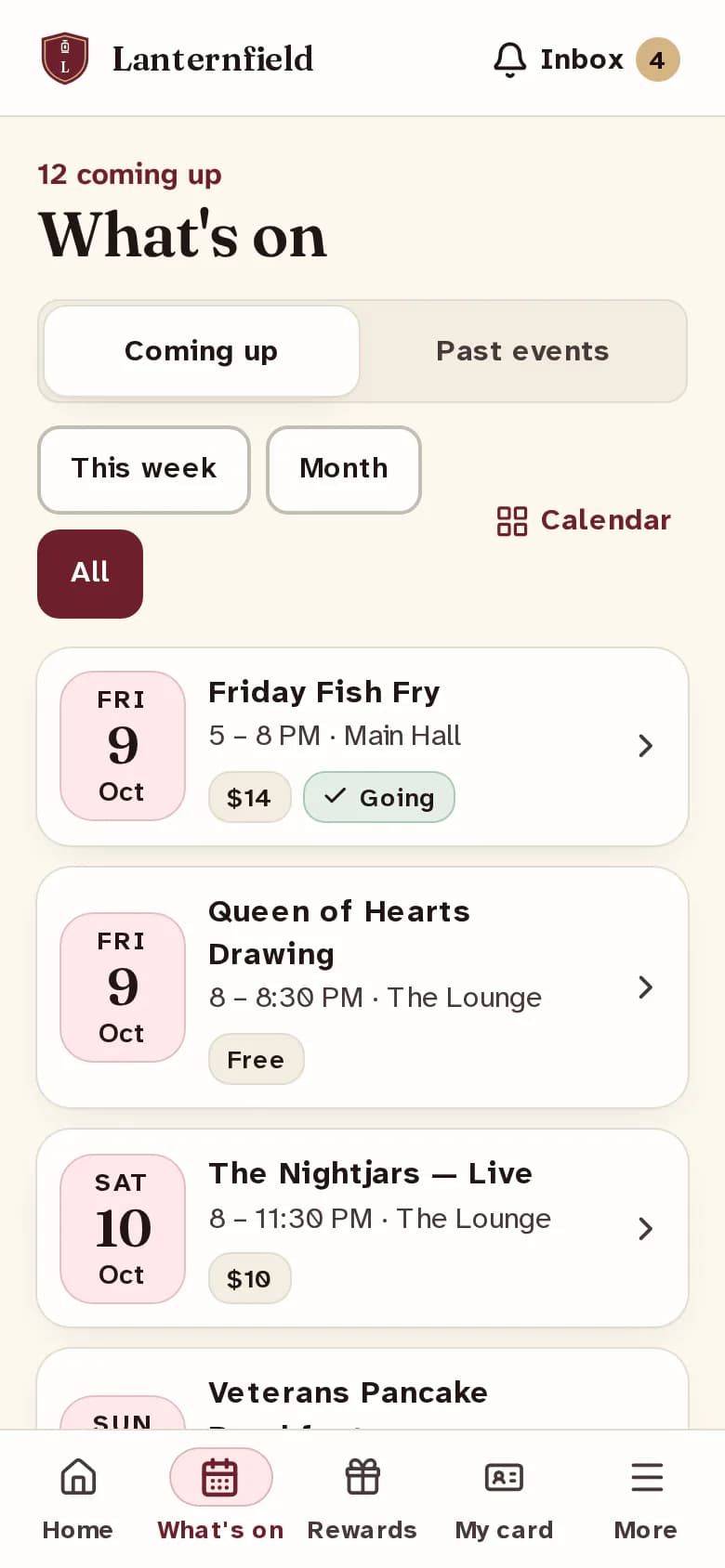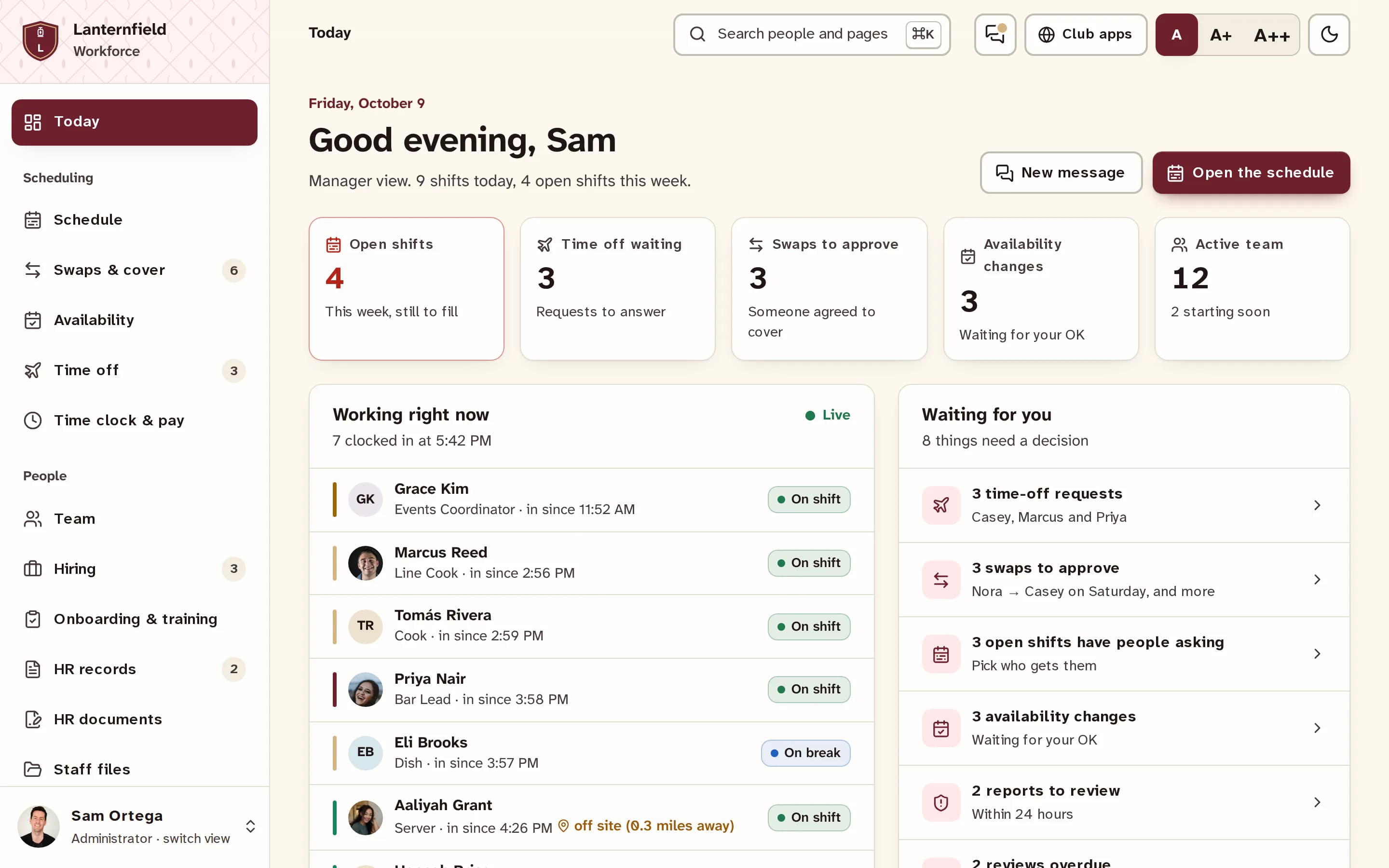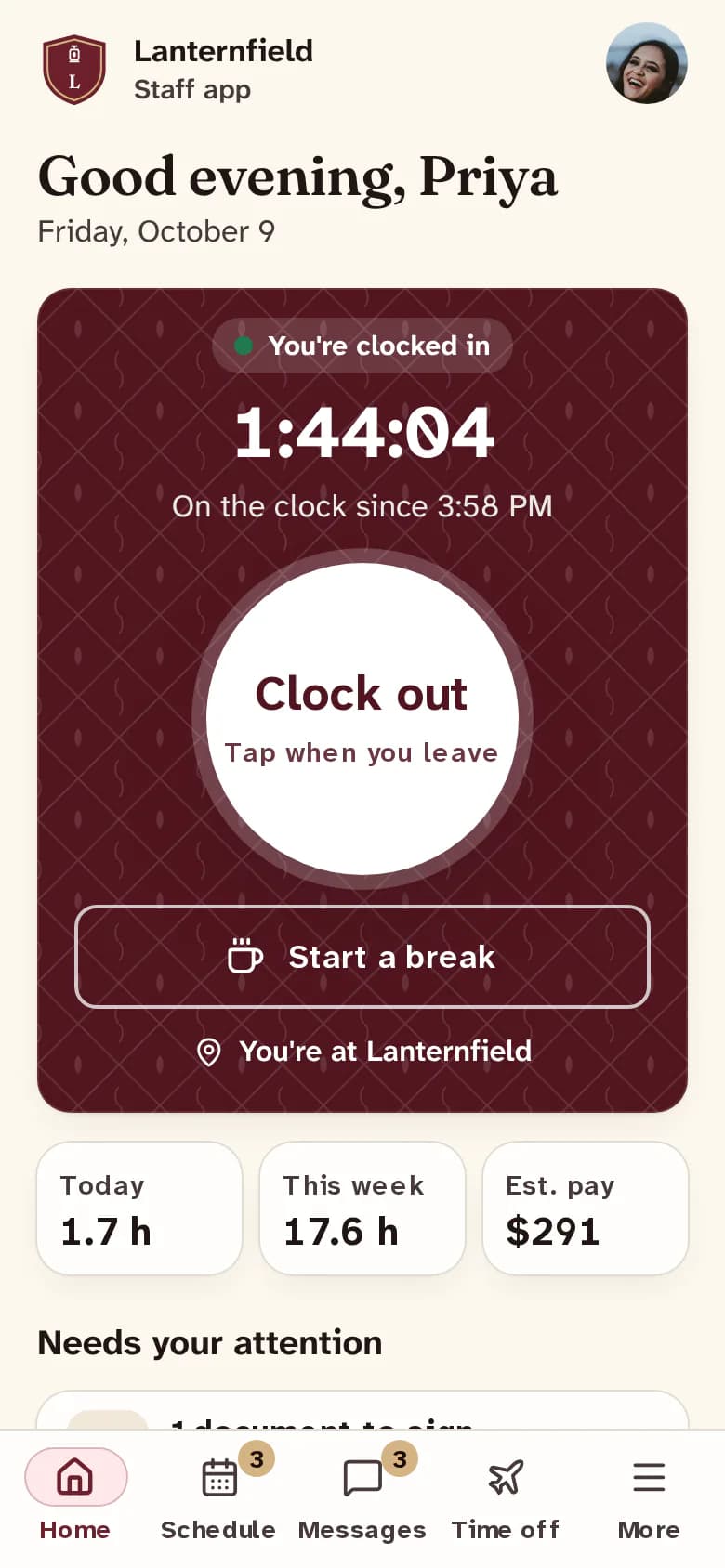
ClubWorks comes with two apps: one for your members and one for your staff. What you see below is the real app — its actual home screen, colors, and layout — filled with live content from the Sample Community Club demo club.
News that actually reaches people
When your club posts news or an event, members get a notification on their phone — no more "I didn't see the Facebook post."
A membership card in every pocket
Members can pull up their card, check their dues, read documents, and sign up to volunteer — all from the app.
It looks like your club
The app uses your club's colors, logo, and name. Members feel like it's yours, because it is.
Clock in from the app
Staff clock in and out, take breaks, and see their hours for the week — with shift reminders so no one forgets.
Shifts without the phone tree
Employees confirm shifts, pick up open ones, and trade with teammates — managers approve with a tap.
Everyone on the same page
Team messages, groups like "All Bartenders," and announcements staff must read and sign.
These are the real apps — go ahead, tap around
What you see on these phones is exactly what your members and staff would download from the App Store or Google Play. The member app is showing a sample club’s news and events, and the staff app is filled with example shifts and announcements — it’s all practice data, so explore freely and it tidies itself up for the next visitor. Like what you see? In a walkthrough, we’ll put the apps on your own phone.
Every club picks its app style — same features, two designs. Try both!
This is the actual ClubWorks member app — the same code that ships to iOS and Android, compiled for the web and loaded with safe demo data. Tap around inside the phone; nothing here touches a real club.